






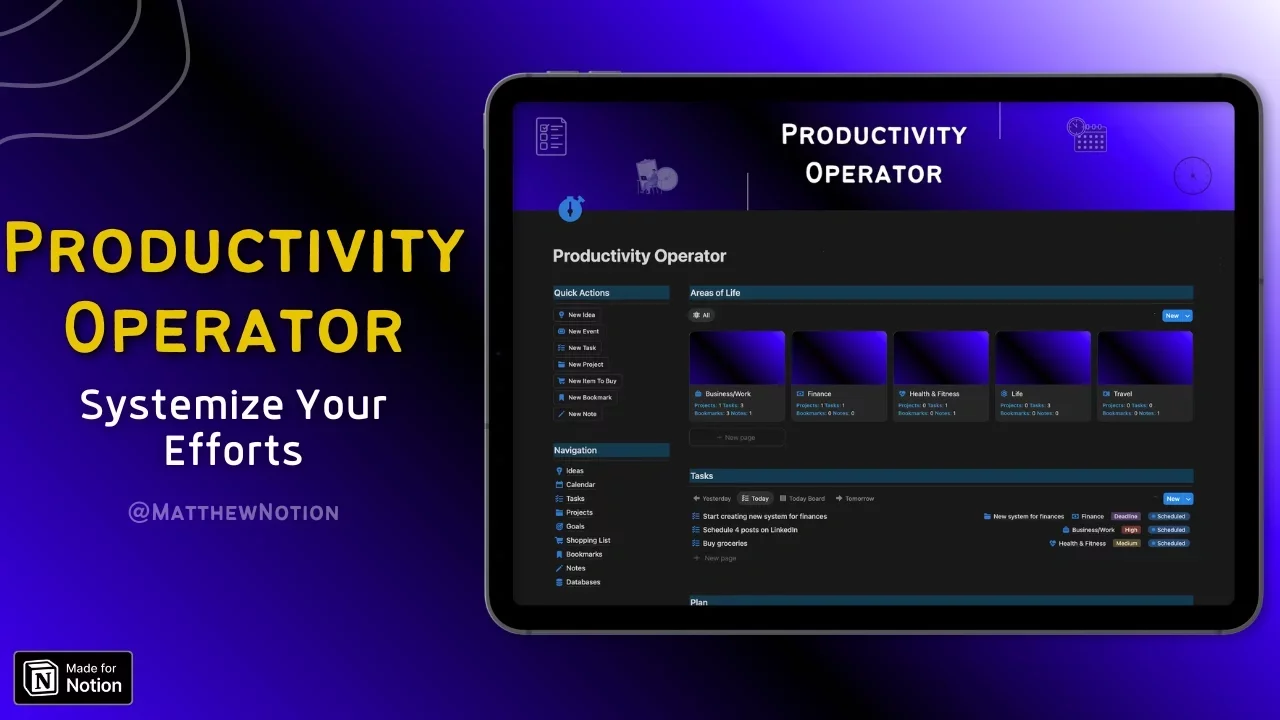

Productivity Operator
Systemize Your Efforts
Are you constantly overwhelmed by your schedule?
Tracking what you need to do in your head won't work long term.
Are you ready to make most of your time?


Systemize Your Efforts
Are you constantly overwhelmed by your schedule? Do you want to track your projects and tasks and organize everything in one place?
Tracking what you need to do in your head won't work long term.
You'll be overwhelmed and get nothing done.
Having random sticky notes and multiple organization tools kills your focus.
Which leads to missed deadlines and no progress on what matters to you.
That's why I created this template. Less uncertainty and chaos, more clarity and progress.
Whether you want to plan your schedule, tasks and projects, organize your knowledge or simply want to organize your life and work in one place.
This system is made for you.
Are you ready to make most of your time?
What you'll get?
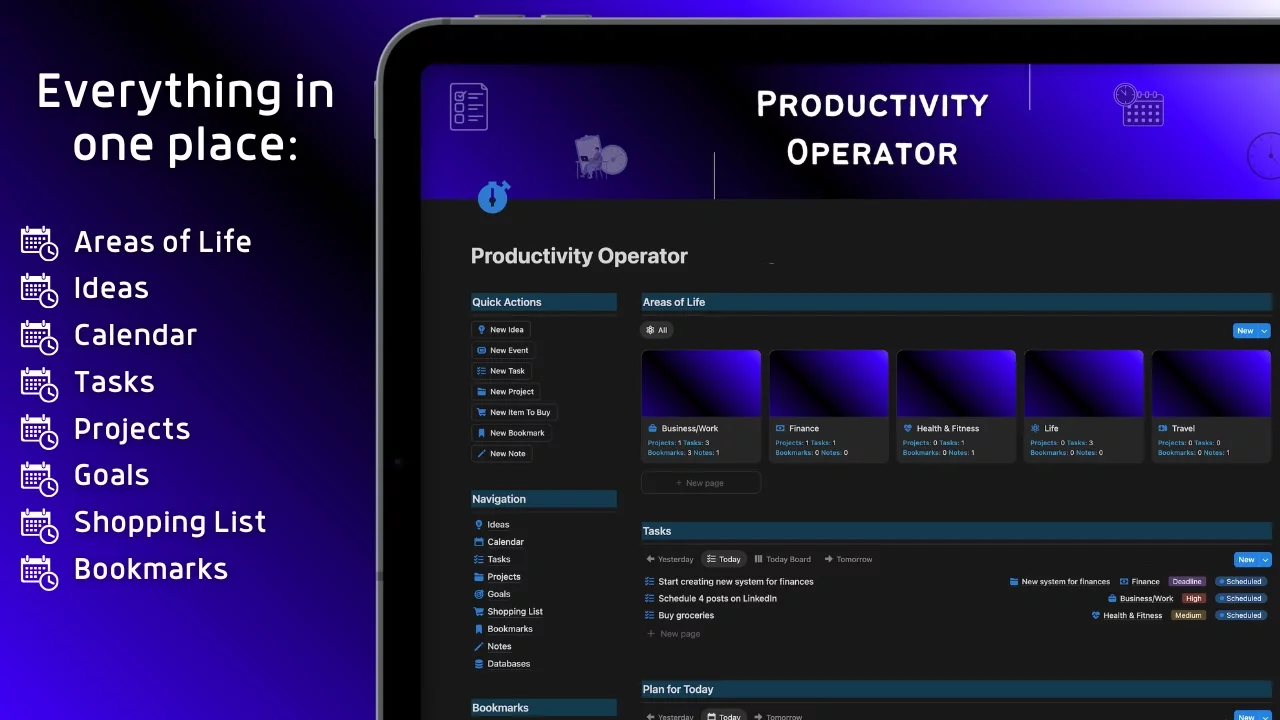
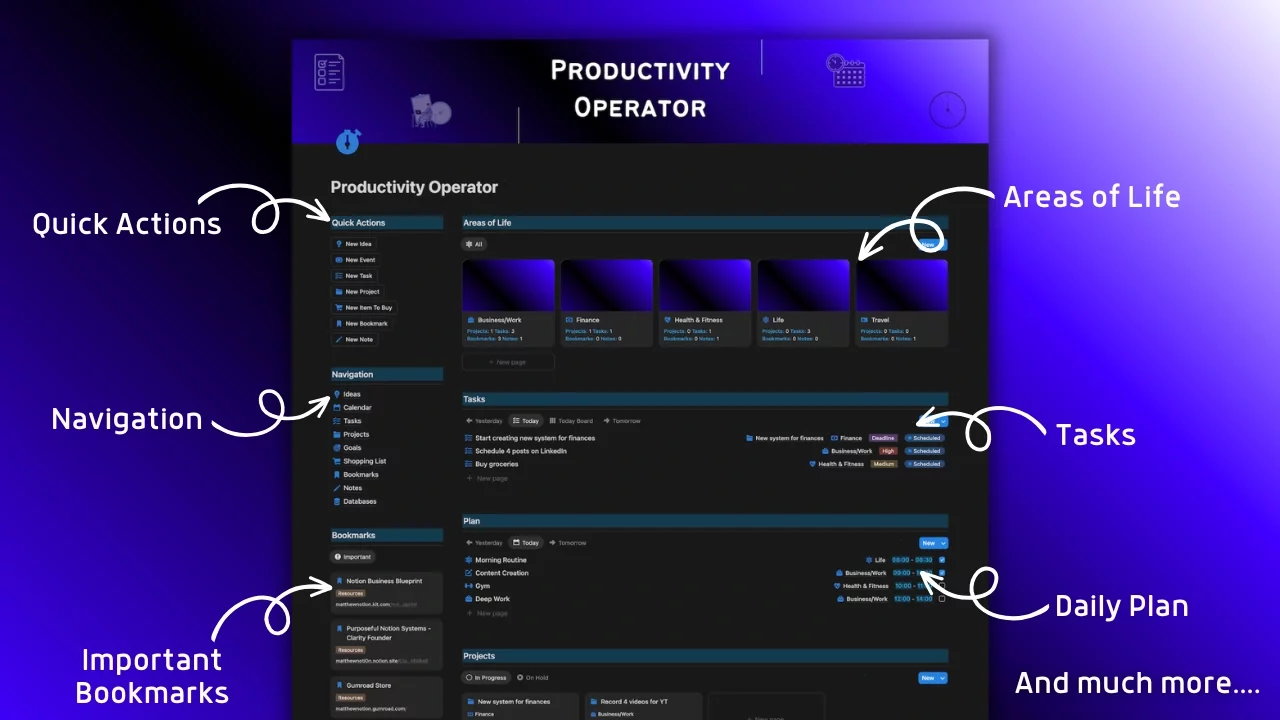
🔹 Productivity Operator Notion template where you can organize your ideas, schedule, tasks, projects, goals, shopping list, bookmarks and notes and store everything in one place
🔹 Guide with explanation of each module
🔹 Instructions how to use the template
You can also customize this product for your needs, because this isn’t something that’ll help you for a mere few weeks or months.
It’s something I’ve designed with the aim to last for years and decades.
Who is this for?
🔹 People who want to become more productive and efficiently plan their lives
🔹 People who want to know exactly what they need to focus on for every area of life
🔹 Anyone who's serious about their time and wants to become more organized
🔹 You!
What are you waiting for?
Systemize Your Efforts
Grab your Productivity Operator today!
FAQ
What are your Notion templates?
My Notion templates are pre-built systems designed to help you organize your life or business. They streamline tasks like project management, goal tracking, or personal workflows, saving you time and keeping everything in one place.
How do I download and use your templates?
After purchasing, you’ll see a download button on the Gumroad checkout page. Click it, then select “Duplicate” to add the template to your Notion workspace. Log in to Notion, and it’ll be ready to use No extra software needed, and it works with Notion’s free plan!
Can I share your templates with others?
My templates are for your personal use only. As a solo creator, I rely on your support to keep making them. Instead of sharing the file, please share the link to my Gumroad Store so others can get their own copy. Thanks for helping me keep this going!
Do your templates work for beginners?
Yes! My templates are designed to be user-friendly for all levels. They come with clear instructions and simple layouts for beginners, while offering advanced features for experienced users to customize as needed.
What if I need help setting up a template?
Each template includes setup instructions, but if you need extra help, reach out to matthew@mattkub.com. I also offer custom Notion support for a more tailored setup: Clarity Founder
Can I use your templates on my phone?
Absolutely! Notion works seamlessly on mobile devices (iOS and Android). Once you duplicate a template to your workspace, you can access and edit it on the Notion app anytime, anywhere.
©MatthewNotion