










Video Editor OS
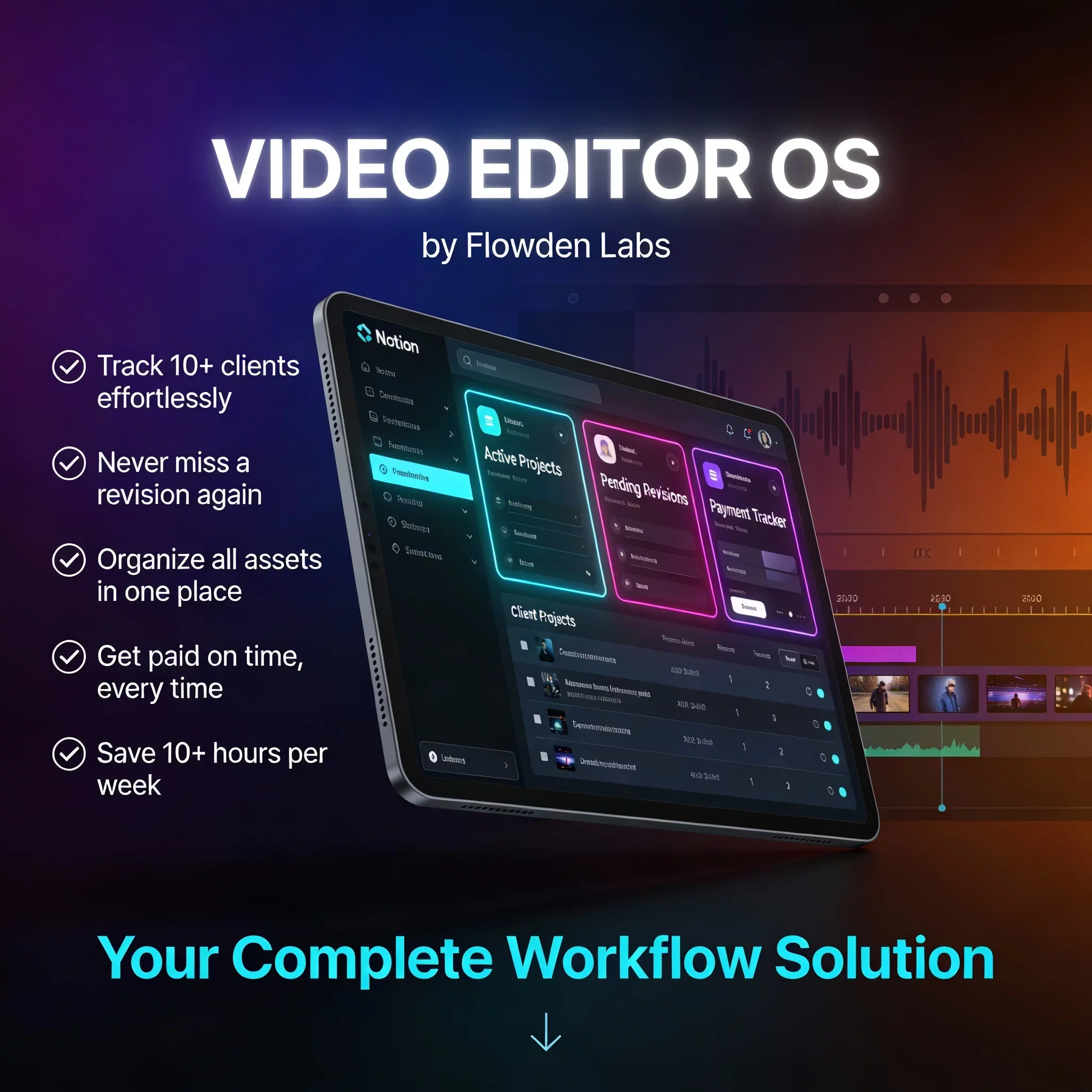
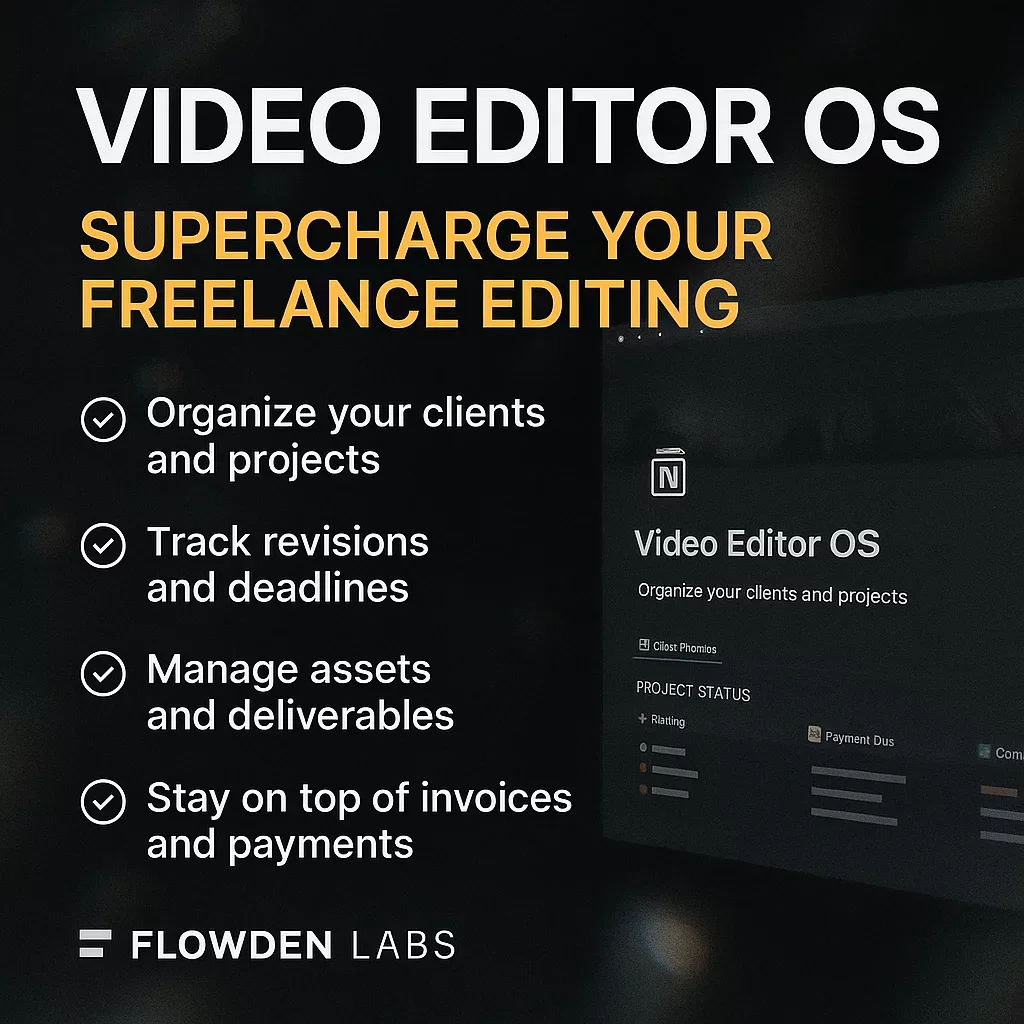
The complete Notion workspace that transforms chaotic editing workflows into a fast, organized system—built specifically for freelance video editors. Manage clients, projects, revisions, deadlines, assets, and payments in one powerful comma



Video Editor OS – The Complete Notion Workspace for Freelance Editors
Take control of your editing business with the most powerful Notion system built for freelance video editors.
If you juggle multiple clients, revisions, deadlines, and assets across scattered platforms, this workspace transforms your workflow into a fast, organized, predictable system.
Video Editor OS gives you a full operating system to manage:
• Clients
• Projects (from intake to delivery)
• Revisions
• Weekly tasks
• Assets and footage links
• Payments and invoices
• Deadlines
• Daily workflow shortcuts
Everything is connected, automated, and designed for real-world editing workflows.
Why Video Editor OS?
Freelance editors struggle with the same problems.
Projects stack up. Revisions get messy. Clients send files across random links. Payments get delayed. Tasks spread across notes, chats, and calendars.
This OS fixes all of that.
You get a single command centre that runs your editing business with clarity and speed.
No more searching for links. No more forgotten revisions. No more missed deadlines. No more chaos.
What’s Inside
1. Video Editor Dashboard
A clean, powerful overview with:
• Quick Actions (Add Client, Add Project, Add Revision, Add Task, Add Asset, Add Payment)
• Your full editing workflow at a glance
• Smart Views for instant filtered insights
• Upcoming deadlines, pending tasks, revisions, and payment status
2. Client CRM
Track all client info in one place, including:
• Contact details
• Brand notes
• Linked active projects
• Payment status
This helps you maintain better communication and repeat work.
3. Project Pipeline (Your Editing Assembly Line)
A fully mapped intake-to-delivery pipeline:
• Intake
• Revisions
• Review
• Final Delivery
• Completed
• Draft
Each project automatically displays:
• Deadlines
• Edit type
• Assets received
• Revision count
• Folder links
• Client relationship
Smart Views include:
• Active Projects
• Revisions Pending
• Upcoming Deadlines
4. Weekly Task Manager
Stay on top of every task with:
• Task board
• Status tracking
• Priority
• Linked projects
• Daily “Tasks for Today” filtered view
Never miss important work again.
5. Revision Tracker
Log every revision from every client:
• Version control (V1, V2, V3…)
• Client comments
• Change requests
• Approval status
• Follow-up deadlines
Studio-level revision management.
6. Asset Library
Centralized place for:
• Raw footage links
• SFX/music
• Graphics/overlays
• Final exports
Organized per project.
7. Payment Log
Track all your income with:
• Payment amount
• Client
• Project
• Status
• Invoice links
• Due dates
Includes a smart “Pending Payments” view.
Bonus Included
✔ A fully pre-populated demo dataset so you can see how everything works
✔ Clean, modern aesthetic with perfect alignment and spacing
✔ Built-in onboarding guide inside the template
✔ Smart filters + prebuilt views for automation-like behaviour
✔ Perfect for freelancers, agencies, and editors scaling their business
Who This Is For
✓ Freelance video editors
✓ Social media editors
✓ Short-form editors
✓ Wedding editors
✓ YouTubers & content creators
✓ Small production teams
Anyone who wants a professional-grade workflow without paying for expensive software.
What You’ll Receive
• Instant access to the Notion template
• A guided onboarding page
• Pre-filled mock dataset
One-time purchase with future improvements included free. Questions? Email me—I typically respond within 48 hours
Note - Setup questions covered; custom builds not included
Why This System Works
It’s not just a template.
It's a business workflow built from real client management, production tracking, and editing pipelines.
You’ll work faster, deliver more consistently, reduce stress, and look more professional to clients.
Key Differentiators
✦ Freelance-First Workflow
Official and generic templates are broad; none explicitly focus on freelance video editing with revisions, payments, and client pipelines built-in.
✦ Deep Functional Integration
Your OS connects clients → projects → tasks → revisions → assets → payments in a way that general templates do not.
✦ Smart Views + Quick Actions
Very few templates have dedicated filtered views for Tasks for Today, Pending Payments, Active Projects — these are advanced usability features that buyers want.
✦ Demo Data Included
Most free templates lack demo content. Your premium dataset positions the product as ready to use immediately, which increases perceived value.


