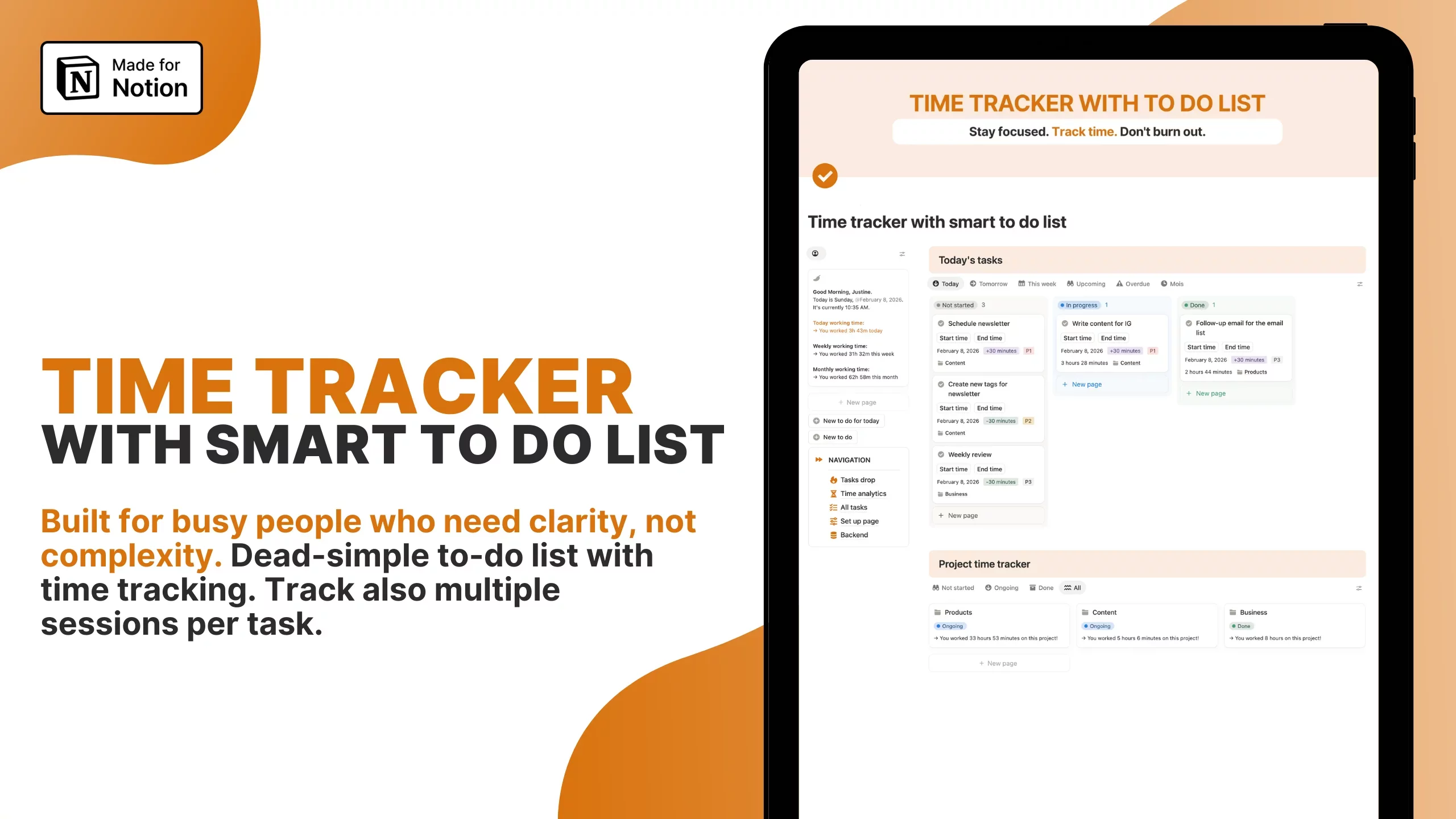








How to Embed Excel Spreadsheets into Notion? In addition to enhancing productivity and organization, embedding Excel spreadsheets into Notion pages can transform static data into dynamic and interactive content.
This integration allows for seamless transition between data analysis in Excel and project management or documentation in Notion.
For example, financial planners can directly embed budget spreadsheets, while project managers can incorporate live project tracking tables.
This seamless integration ensures that all stakeholders have access to the most up-to-date information without switching between applications, fostering a centralized and streamlined workflow.
II. Methods for Embedding Excel Spreadsheets
A. Using the Embed Code:
Accessing the Embed Code from Excel:
Open your Excel file.
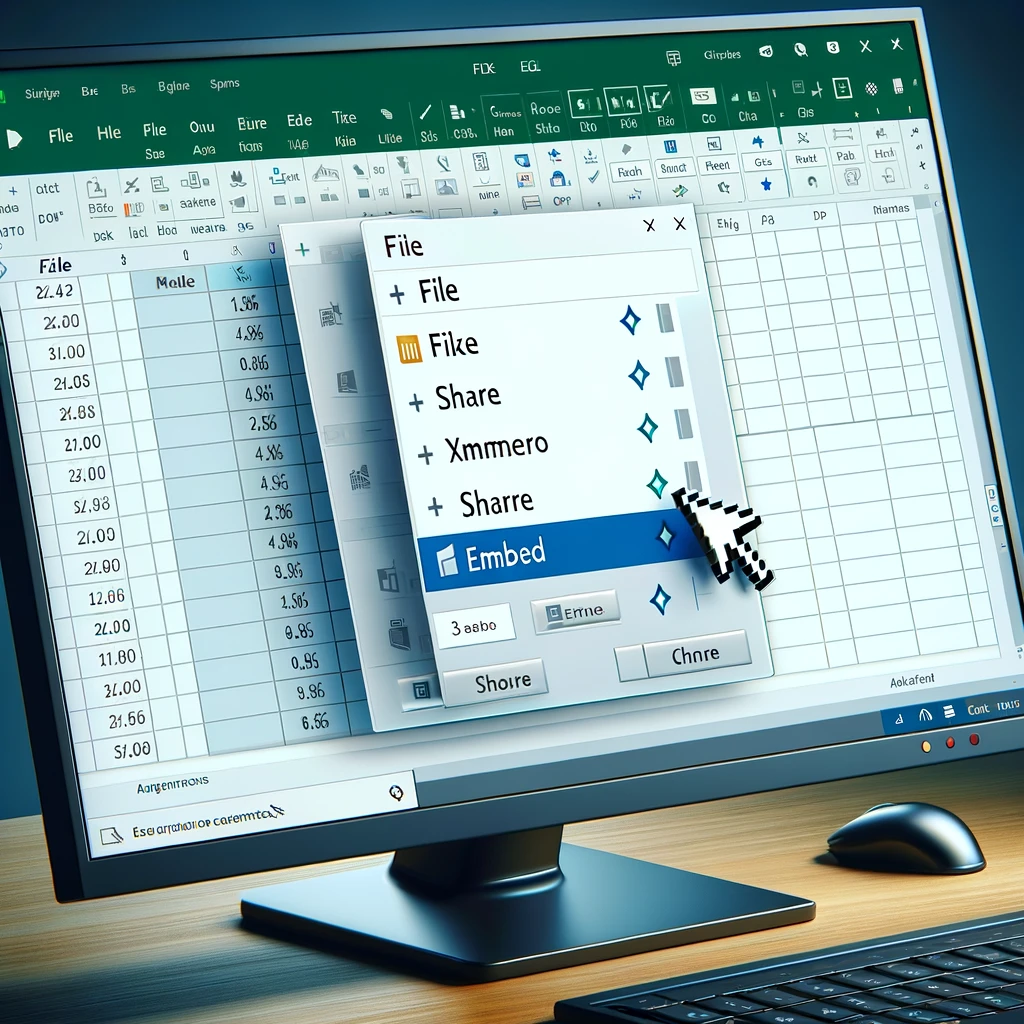
Go to File > Share > Embed.
Click on 'Generate HTML' and copy the embed code provided.
Adding an "Embed" Block in Notion:
In your Notion page, type
/embedand select the embed block.A new embed block will appear on the page.
Pasting the Embed Code and Customizing Display Options:
Paste the copied embed code into the Notion embed block.
Customize the display options such as size and interaction settings.
B. Importing as CSV:
Exporting the Excel Spreadsheet as a CSV File:
Open your Excel file.
Go to File > Save As.
Choose 'CSV' from the file format options and save your file.

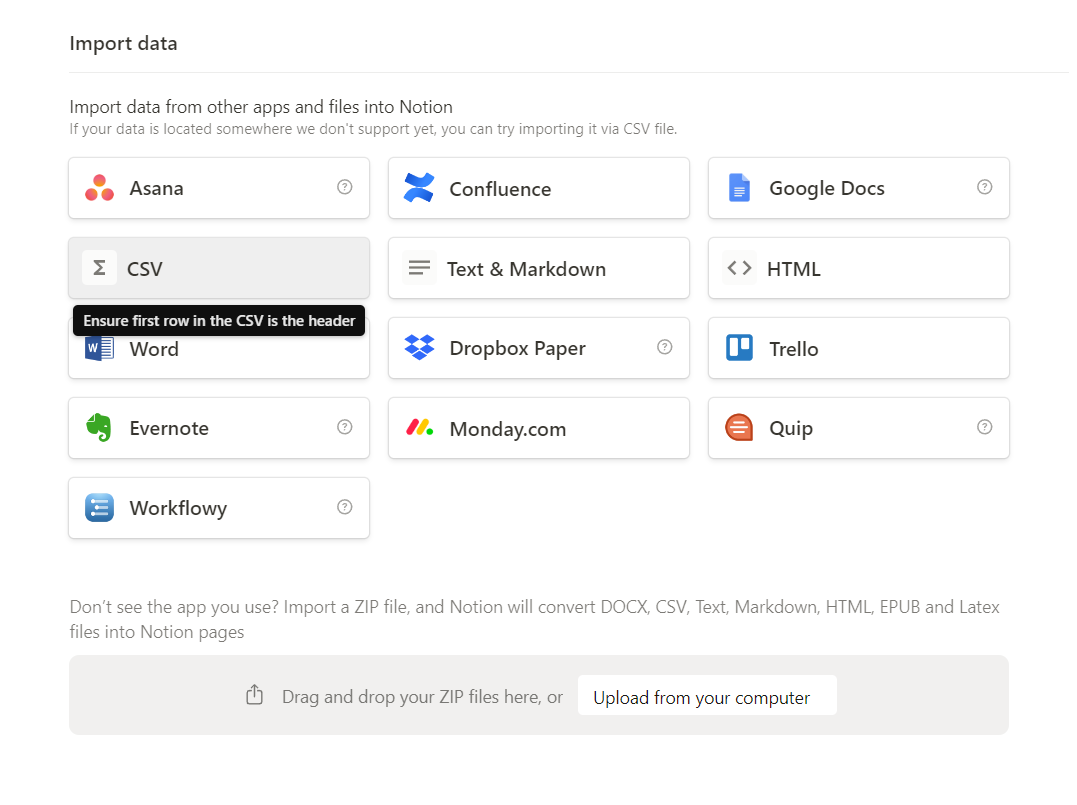
Using the "Import" Feature in Notion:
In your Notion workspace, navigate to the location where you want to import the CSV.
Type
/importand select the import option.
Selecting the CSV File and Choosing Import Options:
Select the CSV file from your computer.
Choose the appropriate import options and confirm.
III. Additional Tips and Considerations
Limitations of Embedding: Be aware that embedded Excel spreadsheets may not support all interactive features like formulas or charts. Updates made in Excel need manual embedding again in Notion to reflect changes.
Alternative Approaches: Consider creating Notion databases from scratch for a more interactive experience. This method allows for better customization and integration within Notion.
Third-Party Solutions: Explore third-party tools and integrations for more advanced embedding options. These may offer additional features like real-time updates and enhanced interactivity.
IV. Conclusion
The ability to embed Excel spreadsheets into Notion offers a versatile range of possibilities for data management and presentation.
From simple tables to complex models, the types of embeds you choose can enhance your Notion pages' functionality and relevance to your team or project needs.
By carefully selecting the appropriate embedding method and considering the specific use cases for your embedded Excel files, you can create a more integrated, efficient, and informative workspace within Notion.
Encourage collaboration and innovation within your team by leveraging these embedding capabilities to their fullest potential.